
Choose the right backup tool
Set up and configure third-party backup and recovery software suited to your operating environment and business requirements.
A good backup is more than stored files. We help prepare your systems, accounts, servers, and recovery options so a disruption does not become a permanent loss.
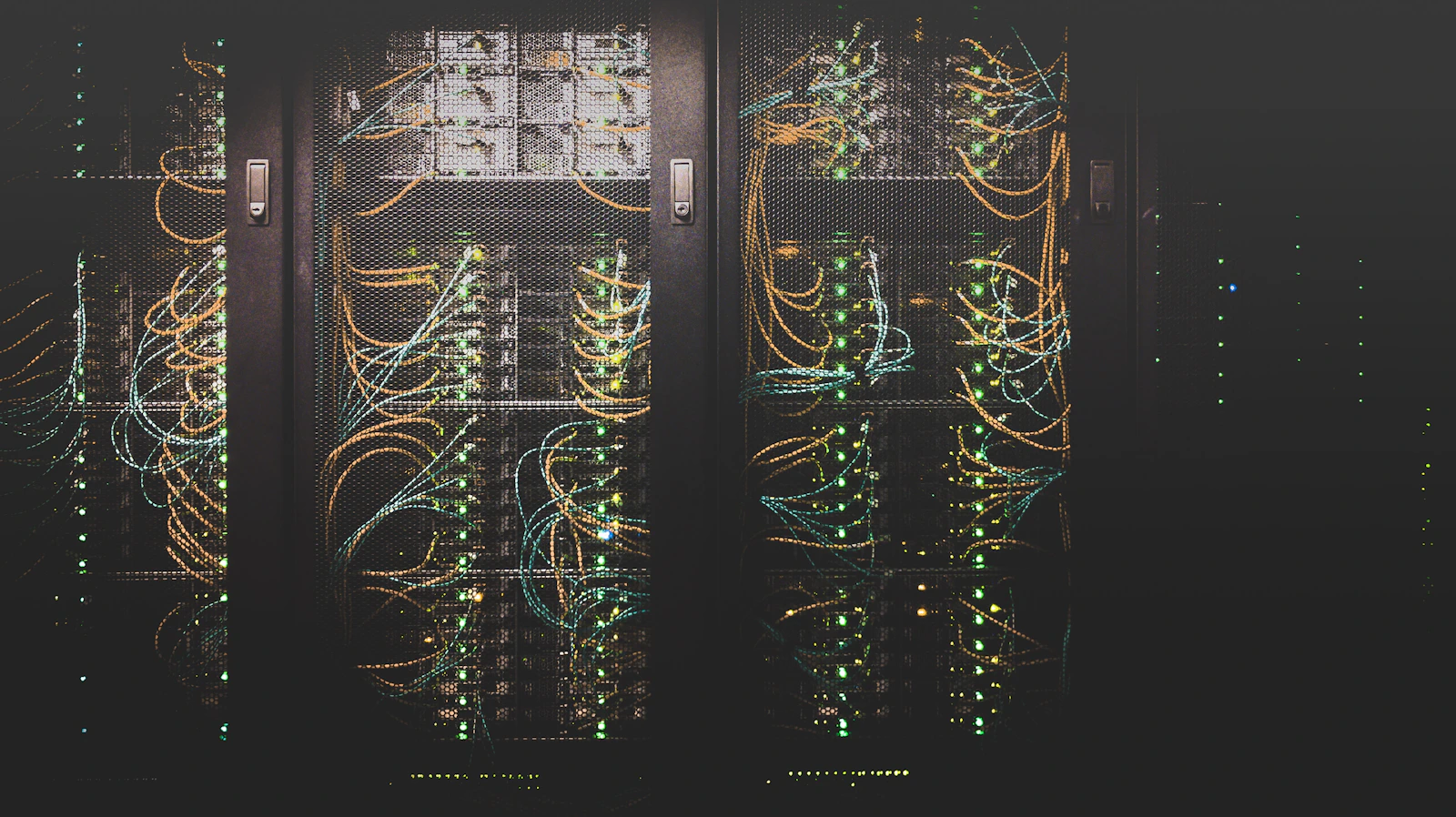
We match the backup approach to the environment, whether that means third-party software, Windows Server tools, a full image, a bare-metal copy, power protection, or account recovery.
Clear help setting up the backup methods and recovery paths that fit your computers, servers, virtual machines, and accounts.
Set up and configure third-party backup and recovery software suited to your operating environment and business requirements.
Configure Windows Server Backup and Volume Shadow Copies to support reliable backup points and smoother recovery work.
Create image or bare-metal backups for servers and virtual machines to help reduce downtime after a serious system failure.
Use generators or UPS systems to reduce the effect of electrical outages and surges on equipment and data access.
Support online and local account recovery so a locked or unavailable account does not stop the work around it.
Having a backup is only the first part. We help check where the copy lives, how the system would be restored, and which power or account issues could interrupt the plan.
Talk through your recovery needs ↗